Windows x64
For Windows 11 on Intel and AMD processors.
macOS screensaver
Five ways to watch pickleball on your Mac — from a classic court to watercolor paper and a painting made by the rally itself. Play singles or doubles, with weather, tournaments, and daily drills alongside.
Free & open source · Prefer the raw
.saver? Grab the zip.

Windows 11
The same five appearances and real rallies, built natively for Windows 11. Choose the architecture shown in Settings → System → About → System type: x64 for Intel/AMD PCs, ARM64 for ARM PCs. Each package includes .NET — no separate runtime install is needed.
Windows packages are published with new shared version releases. These links open GitHub Releases until matching downloads are confirmed.
For Windows 11 on Intel and AMD processors.
For Windows 11 on ARM processors, including Snapdragon PCs. Use this native build, not x64 emulation.
Classic and Black Light wallpaper/color packs are separate from the animated screensaver. Import them only if you want to change your desktop.
Run the matching MSI for a current-user install, or extract the portable ZIP and keep all its files together. Nothing goes into System32.
For MSI installs, use the Start menu’s Pickleball Select (opt in) shortcut. Portable users can use Maintain.ps1 -Action Select. Both ask before changing your selected saver.
Open Pickleball settings from the Start menu, or double-click PickleballScreensaver.scr in the portable folder. Choose appearance, game format, motion and widgets.
Installation does not automatically activate a screensaver, apply a theme or change idle timeout, password, lock or sleep policy. Windows controls those settings.
Regulation service courts, the two-bounce rule, kitchen play, and side-out scoring on a perspective court with a live scoreboard.
Doubles favors cross-court dinks and hands battles. Singles opens up passing shots and deeper recovery. Cyan Team A and coral Team B stay easy to follow.
Classic, Black Light, Living Court, Ink-and-paper, or Rally Painting. Pick one look in Options; every appearance plays the same game.
Live bounces make ripples. Paddle contacts make halos. Team-colored shot paths build a painting that gently dissolves at game end.
A slow 12-second turn each minute, the original 6-second spin, or no spin. macOS Reduce motion or turning Windows Animation effects off disables court spins and ambient effects.
The view gently eases back for high lobs. Court markings, shot trails, and team identities stay coherent as the scene rotates.
Current conditions and a “good day to play?” badge powered by Open-Meteo, no account required.
Upcoming events near supported US metros, refreshed automatically right from the saver.
A daily practice drill filtered by skill level, so the widget rail always has something useful to show.
Choose one appearance in macOS System Settings → Screen Saver → Options… or in Pickleball settings on Windows. These previews are actual macOS renders, not mockups.
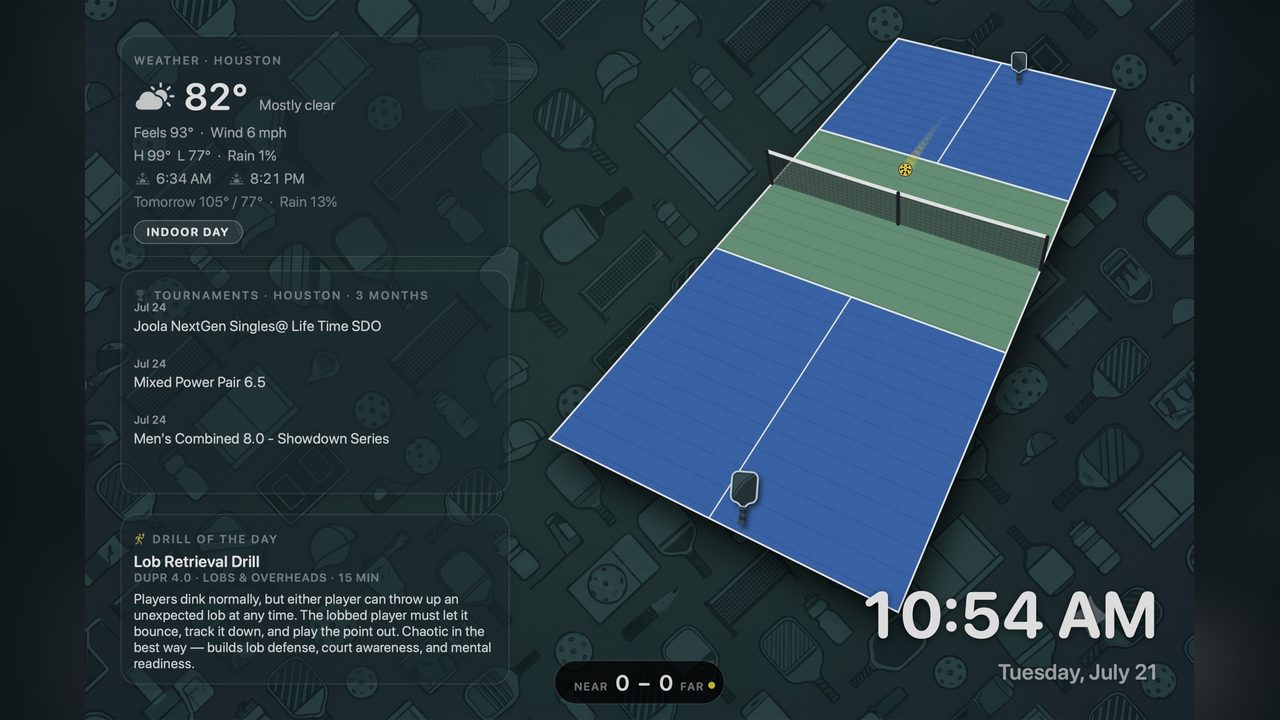
The familiar green-and-blue court, a yellow ball, and quiet pickleball wallpaper. Your original look is still here.
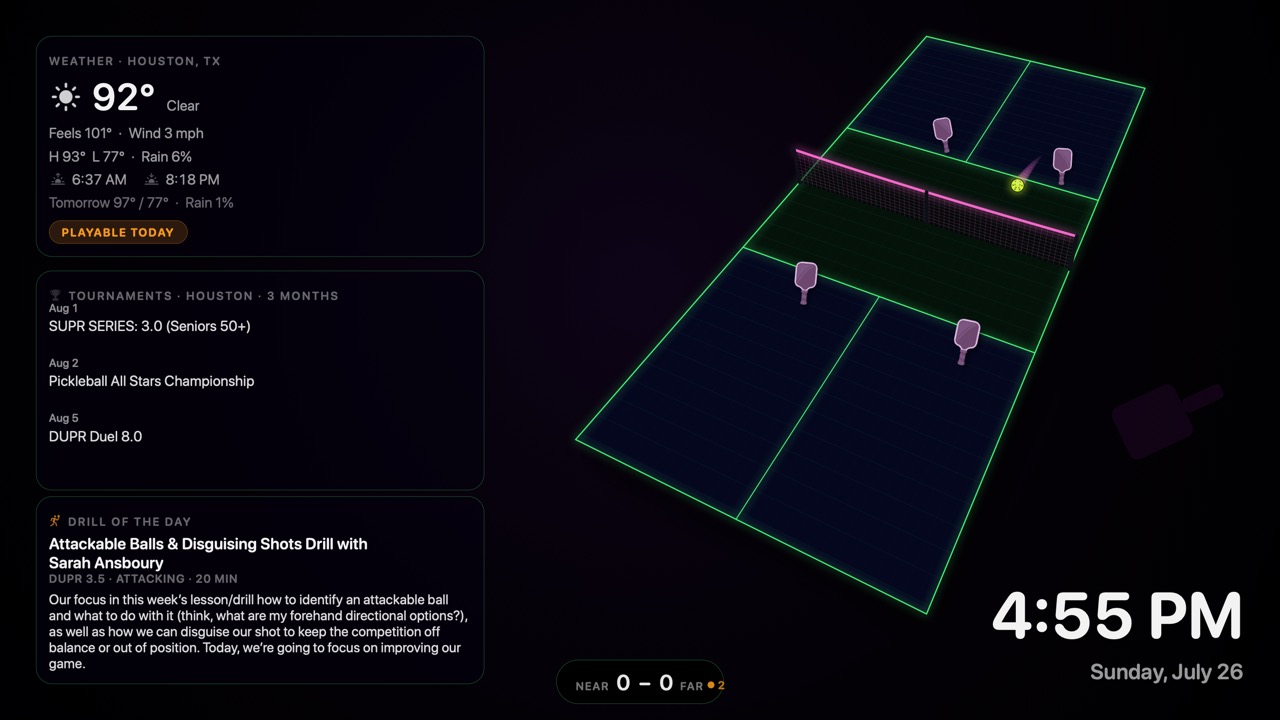
Neon lines, fluorescent equipment, and a pink ball trail against black. A brighter take on the same rally.
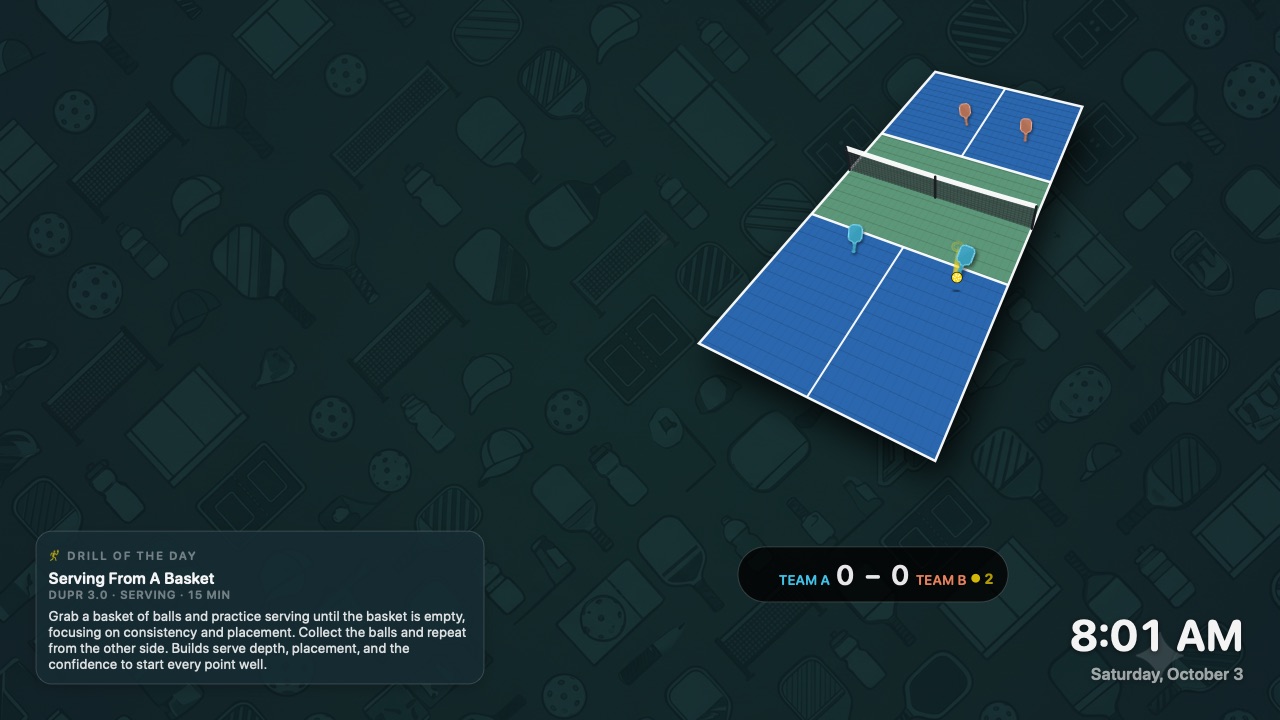
Soft ripples spread from live ball bounces, while paddle contacts leave brief team-colored halos. A subtle, reactive layer over Classic.
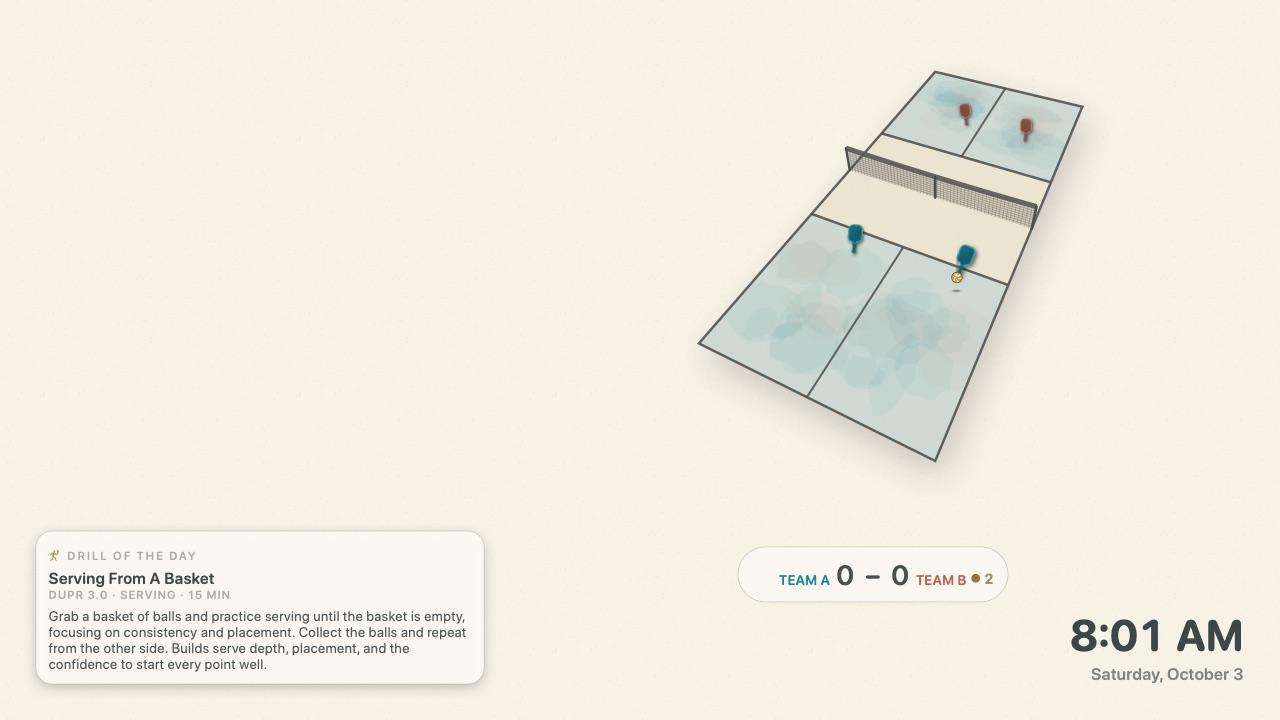
Warm paper grain, watercolor washes, charcoal lines, and an ink-like trail. Stable textures keep the sketchbook look calm, not jittery.
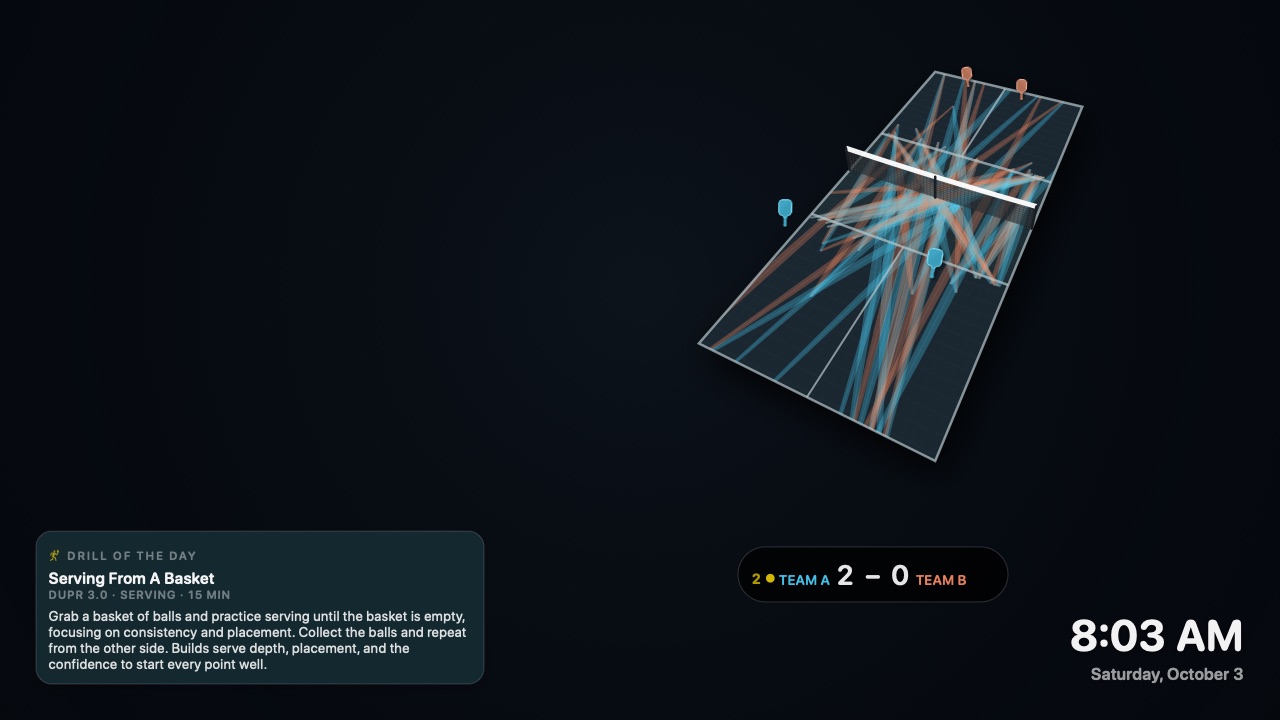
Every shot adds a translucent team-colored brushstroke. The painting builds across rallies, dissolves when a game ends, and fades older strokes during long games.
Click any screenshot for full size. The first four show the same rally moment; Rally Painting shows about 100 seconds of accumulated play. Captured with no-spin framing. Weather and tournament cards are optional and are not shown in these previews.
Open the DMG and launch the installer package inside.
The package installs for all users, so the macOS installer will ask for your administrator password.
Open System Settings → Screen Saver → PickleballScreensaver → Options… to choose Appearance, Singles or Doubles, court motion, and widgets. Click OK to save.
Signed and notarized downloads for macOS 14+, plus unsigned native packages for Windows 11 x64 and ARM64. The source and issue tracker are one click away.